Buying a Charging Cable Without Guesswork
Check the device, power supply and intended task before choosing a cable.

A charging cable is easy to buy by appearance, especially when several devices use similar-looking connectors. Begin with the exact device and power supply you plan to connect, then read their documented requirements.
This guide focuses on selecting the right type and setup for your own routine. It is not a ranking of products or a claim that a particular brand has been tested.
Identify both ends of the connection
Check the ports on the charger and device, including any manufacturer instructions about suitable cables. If you also want to transfer files or connect another accessory, state that requirement separately. A product described for charging should not be assumed to support every other task you might associate with its connectors.
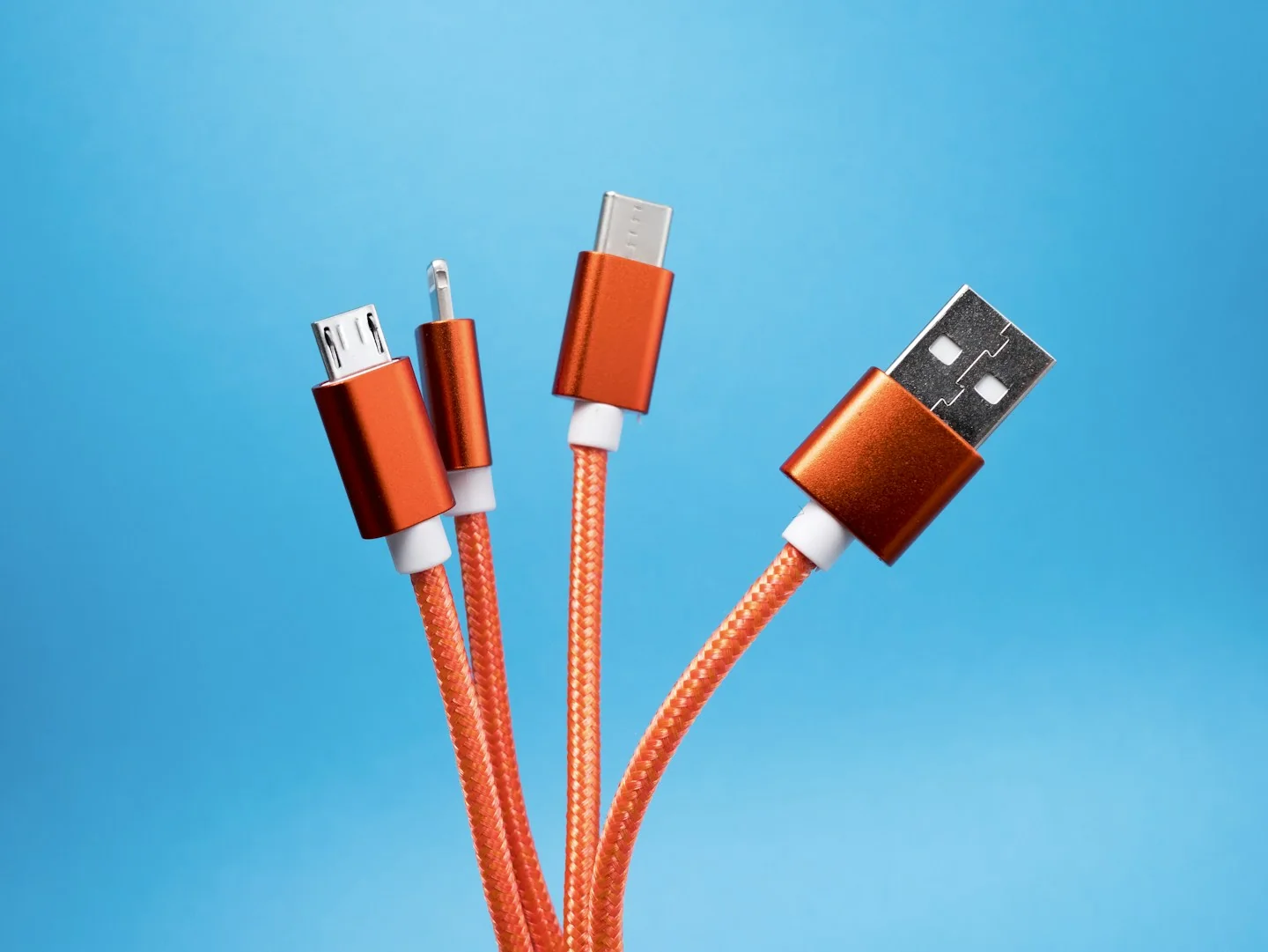
Compare documented capabilities
Read the cable maker’s listed charging and data capabilities alongside the connected devices’ requirements. Do not treat a cable’s length, thickness or visual style as evidence of performance. If an important capability is not documented, choose a clearer listing or ask the manufacturer before purchasing.
Choose a practical length
Measure the distance between the outlet, charger and normal device position, allowing for a route that does not pull against the connectors. A longer cable may be convenient but also require more management on a desk or beside a bed. Follow the maker’s handling and use instructions.
Before you order
- Check the exact connector at each end.
- List charging and data needs separately.
- Measure the cable route rather than straight-line distance.
Use the listing for the exact model, size or variant you intend to buy. If a necessary detail is missing, ask the retailer or manufacturer before paying. Check the final basket total and current delivery and return terms for that selection.
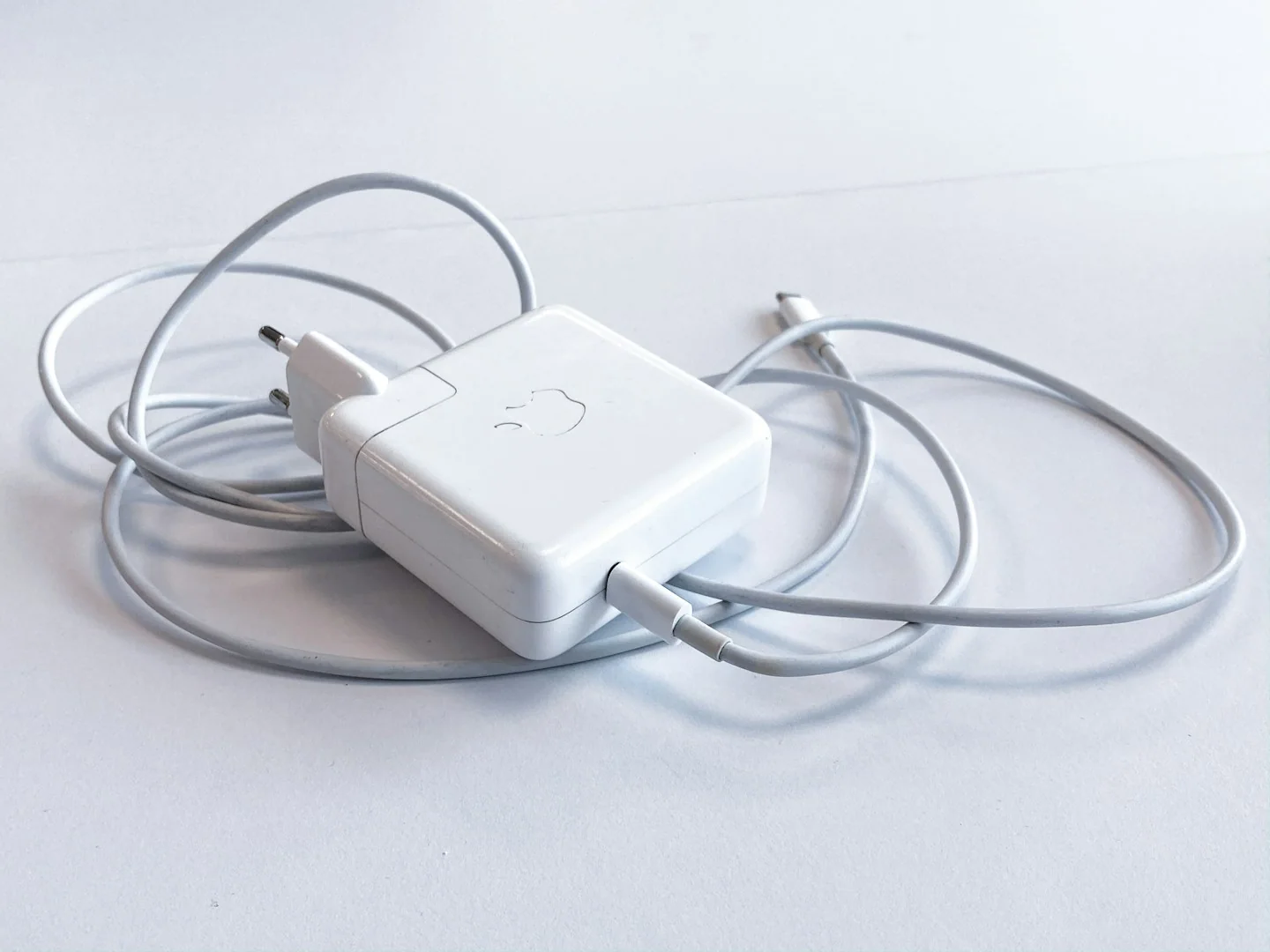
Making the choice
The right cable has clearly stated support for the task and devices you intend to use. When a listing offers only broad compatibility language, verify the details before relying on it for an important connection.