Buying a USB Hub: Start with Your Ports
Map the devices you need before choosing a collection of sockets.
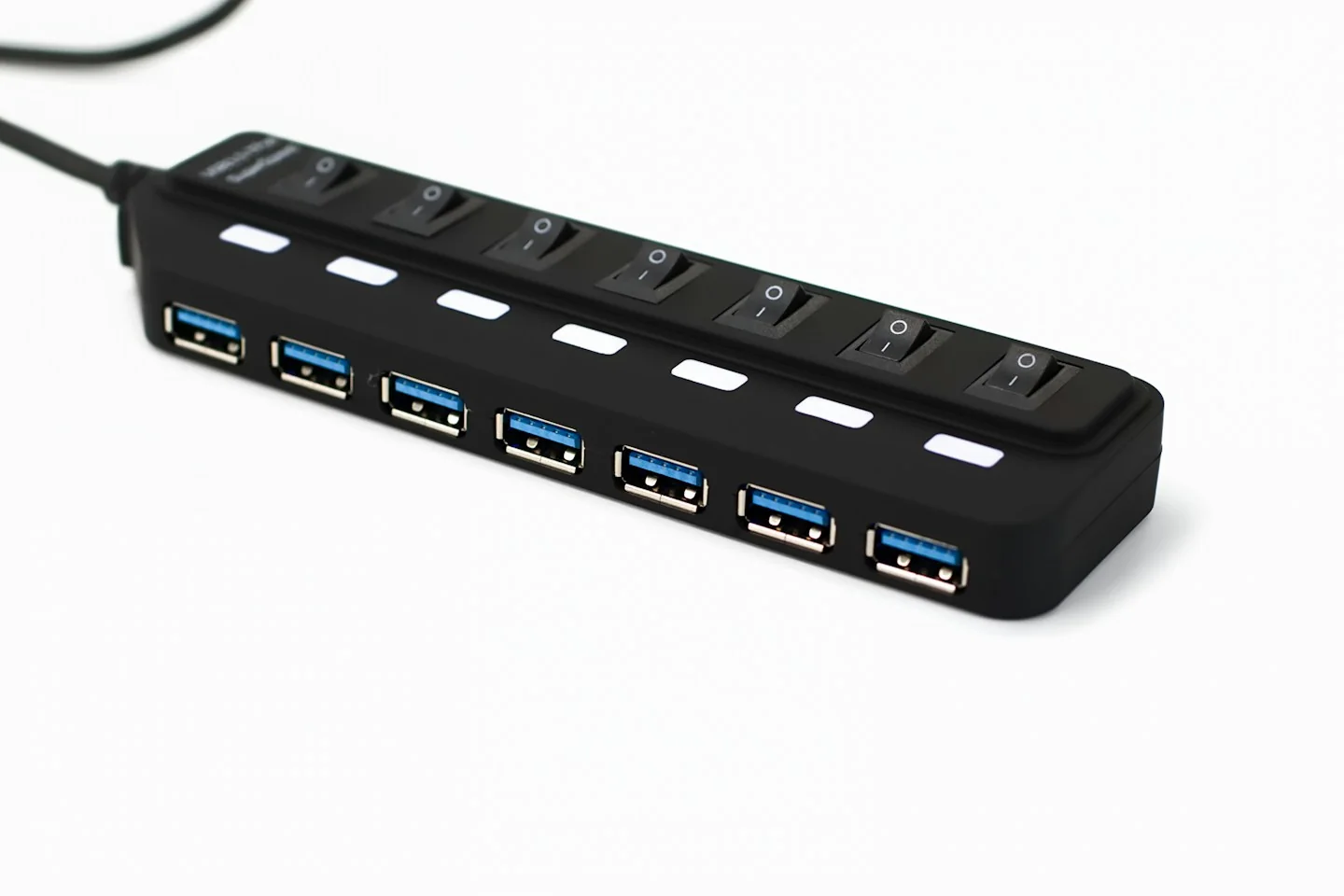
A hub is supposed to simplify a setup, but buying by port count can produce the wrong combination. Write down each device you want to attach and which connections your computer actually supports before comparing products.
This guide focuses on selecting the right type and setup for your own routine. It is not a ranking of products or a claim that a particular brand has been tested.
Separate connector shape from function
Check the computer maker’s specification for the port you plan to use. Then compare the hub’s requirements and supported functions. Similar-looking connectors do not establish that every display, charging or data feature will work in your setup; the details have to match across the connected devices.
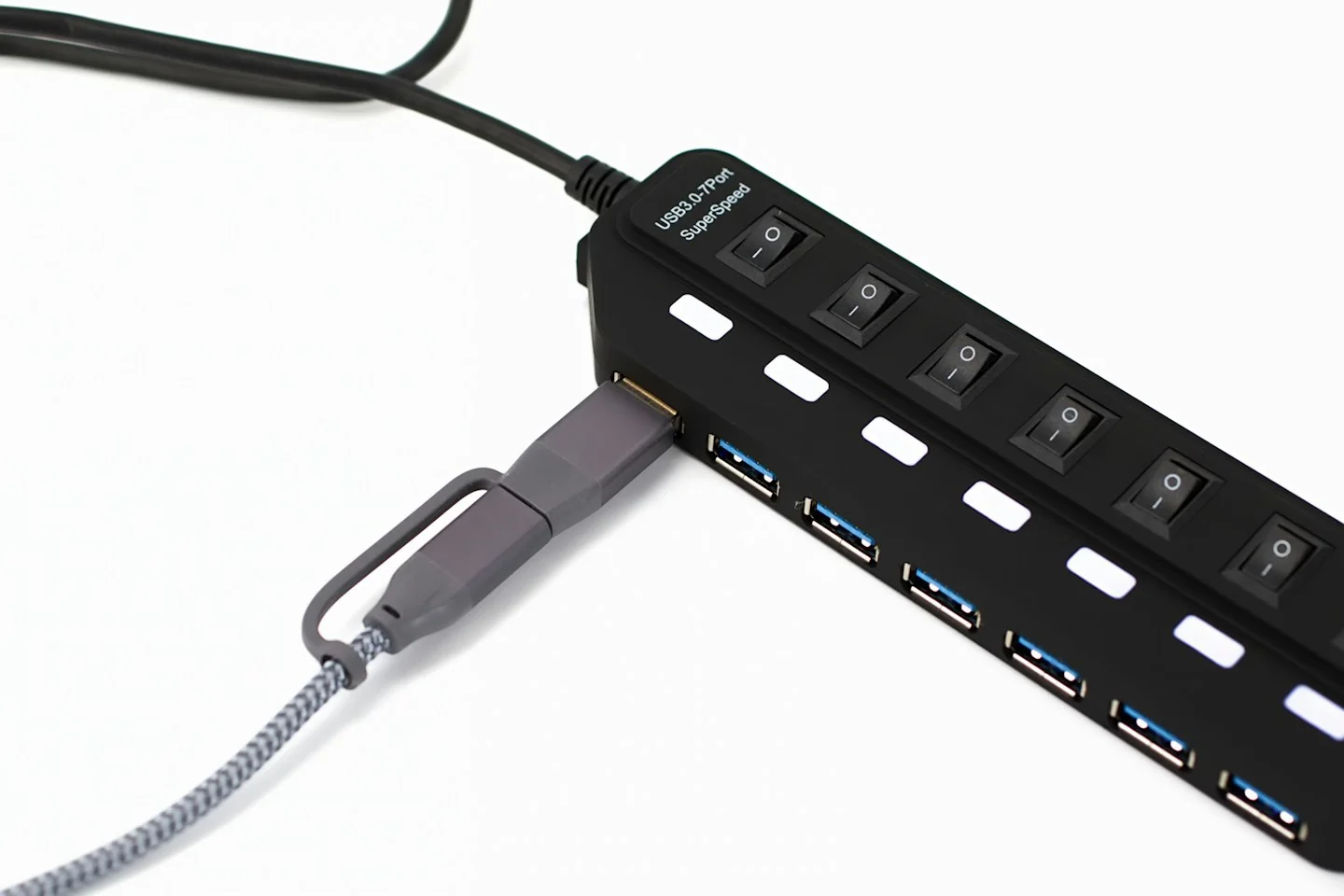
Plan simultaneous use
Think about the devices you will connect at the same time, rather than only the maximum number of available sockets. Read any limits or sharing behavior described by the hub maker. If an external power supply is required for your intended combination, include it in the purchase plan.
Look at cable placement
A short attached lead may suit a portable computer but place the hub awkwardly on a fixed desk. Check the listed cable length and which side the ports face. If you will carry it, consider overall dimensions and whether any separate power adapter needs to travel with it.
Before you order
- List each device and connection requirement.
- Read simultaneous-use limitations.
- Include any required power supply.
Use the listing for the exact model, size or variant you intend to buy. If a necessary detail is missing, ask the retailer or manufacturer before paying. Check the final basket total and current delivery and return terms for that selection.

Making the choice
Choose the hub that meets your exact setup with clear documentation. If the listing leaves display or charging compatibility uncertain, ask the manufacturer before ordering rather than relying on the product name.