Choosing a Monitor for a Small Desk
Compare the screen with your available depth, stand footprint and actual work.
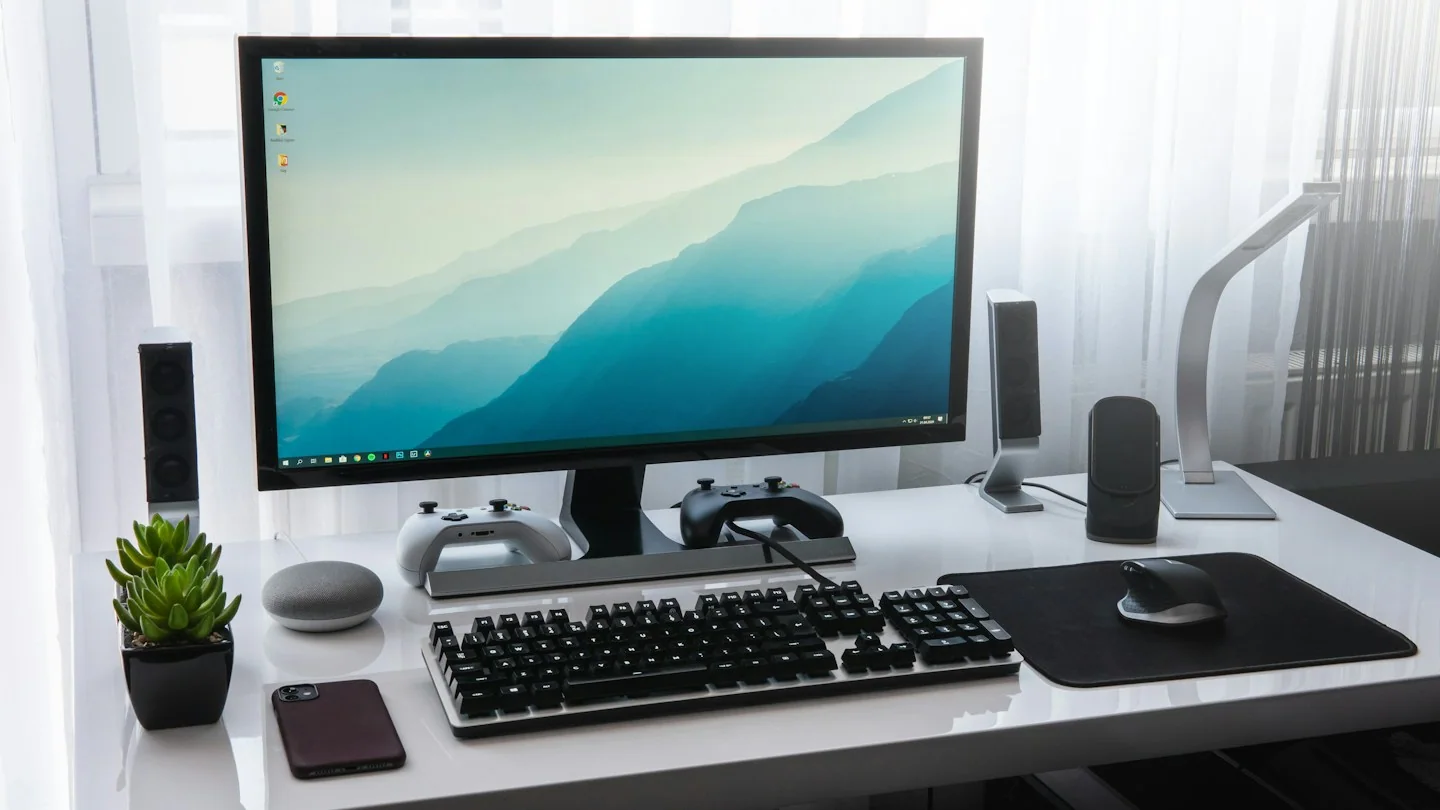
A larger screen is not automatically more useful on a shallow desk. Begin with the space available between your normal sitting position and the display, then consider the documents or applications you want to view together.
This guide focuses on selecting the right type and setup for your own routine. It is not a ranking of products or a claim that a particular brand has been tested.
Measure the desk before the diagonal
Use the product’s full dimensions, including the stand, to estimate how much surface it will occupy. Check the base depth and the space left for a keyboard. If considering a mount, verify compatibility and load requirements with both manufacturers rather than assuming the screen can use any arm.
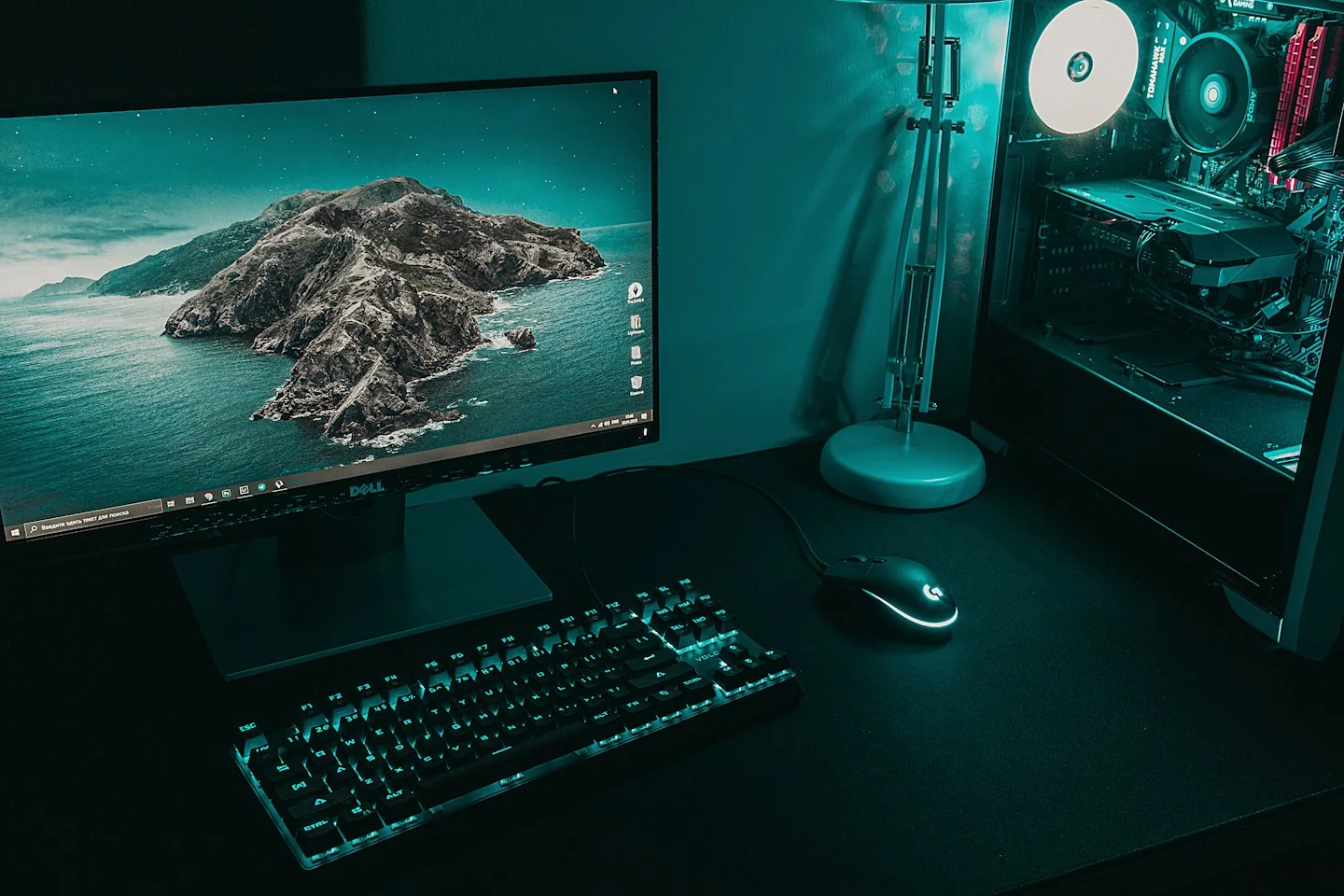
List your required connections
Identify your computer’s display outputs and the monitor inputs. Confirm the resolution and refresh behavior supported by the exact connection path, including any adapter. A matching-looking plug is not enough evidence that the whole setup will operate with the settings you expect.
Prioritize how you work
Think about text size, window arrangement, adjustment controls and reflections in your room. Check the manufacturer’s details rather than treating a panel label as a complete picture of the experience. If you spend long periods using a particular application, consider its layout before paying for features unrelated to it.
Before you order
- Compare stand dimensions with usable desk space.
- Check the complete computer-to-display connection.
- Read adjustment and return details.
Use the listing for the exact model, size or variant you intend to buy. If a necessary detail is missing, ask the retailer or manufacturer before paying. Check the final basket total and current delivery and return terms for that selection.

Making the choice
Shortlist screens that fit the desk and your connection requirements first. Once those constraints are satisfied, compare the features that affect the tasks you actually do rather than buying by diagonal size alone.