Choosing a Laptop Stand for Your Workspace
Compare adjustment, device fit and the space around your keyboard.
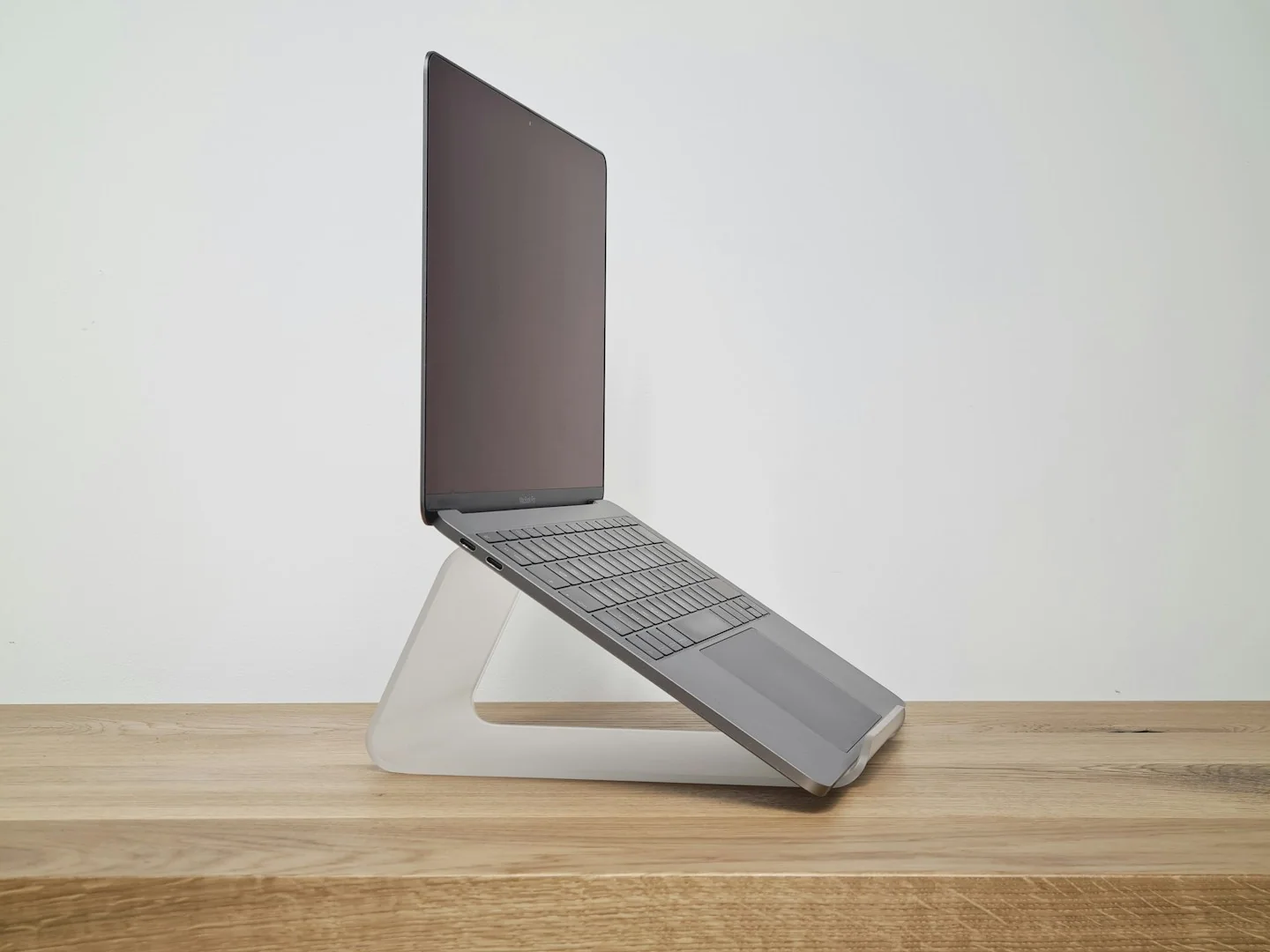
A laptop stand changes where the screen sits, but it also changes the space you need around the device. Start by deciding whether you will type on the laptop itself or use a separate keyboard and pointing device.
This guide focuses on selecting the right type and setup for your own routine. It is not a ranking of products or a claim that a particular brand has been tested.
Check the supported device range
Compare your laptop’s dimensions and weight with the stand maker’s stated limits. Look at support points, retaining edges and any areas that might cover openings or connectors. Do not infer compatibility from a photo of a different computer balanced on the same style of stand.
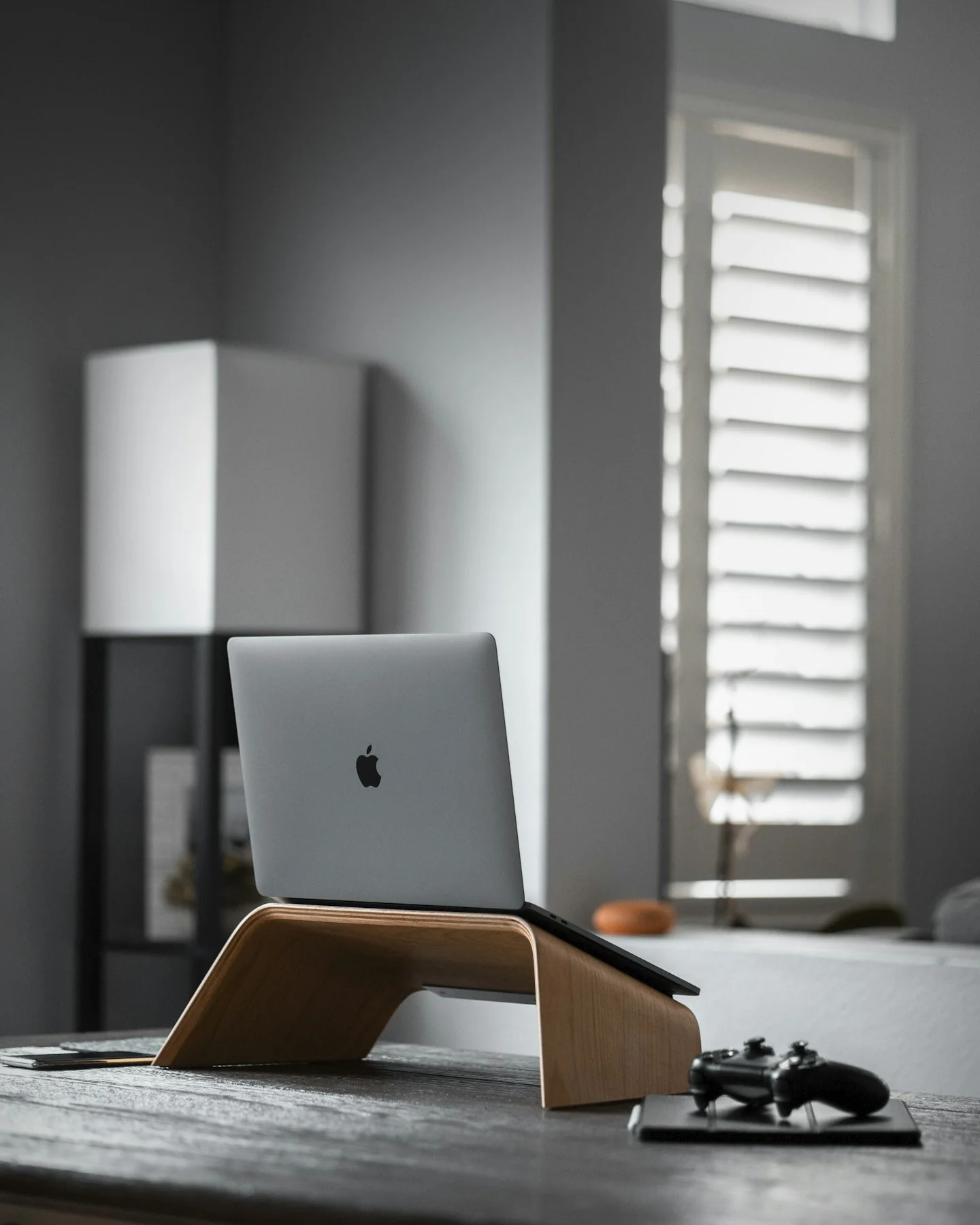
Plan the whole working surface
Mark the stand’s footprint on your desk, including room to adjust it. Add the external accessories you intend to use and check whether there is enough space for your usual notes or documents. A stand can save one kind of space while making another part of the desk harder to use.
Choose adjustments you will use
A fixed stand can be straightforward if its position works for your setup. An adjustable version offers more positions but may take more effort to move or pack. Read the instructions for adjustment and stability, especially if you plan to change positions frequently.
Before you order
- Check size and load limits.
- Keep required device openings unobstructed.
- Measure space for external accessories.
Use the listing for the exact model, size or variant you intend to buy. If a necessary detail is missing, ask the retailer or manufacturer before paying. Check the final basket total and current delivery and return terms for that selection.
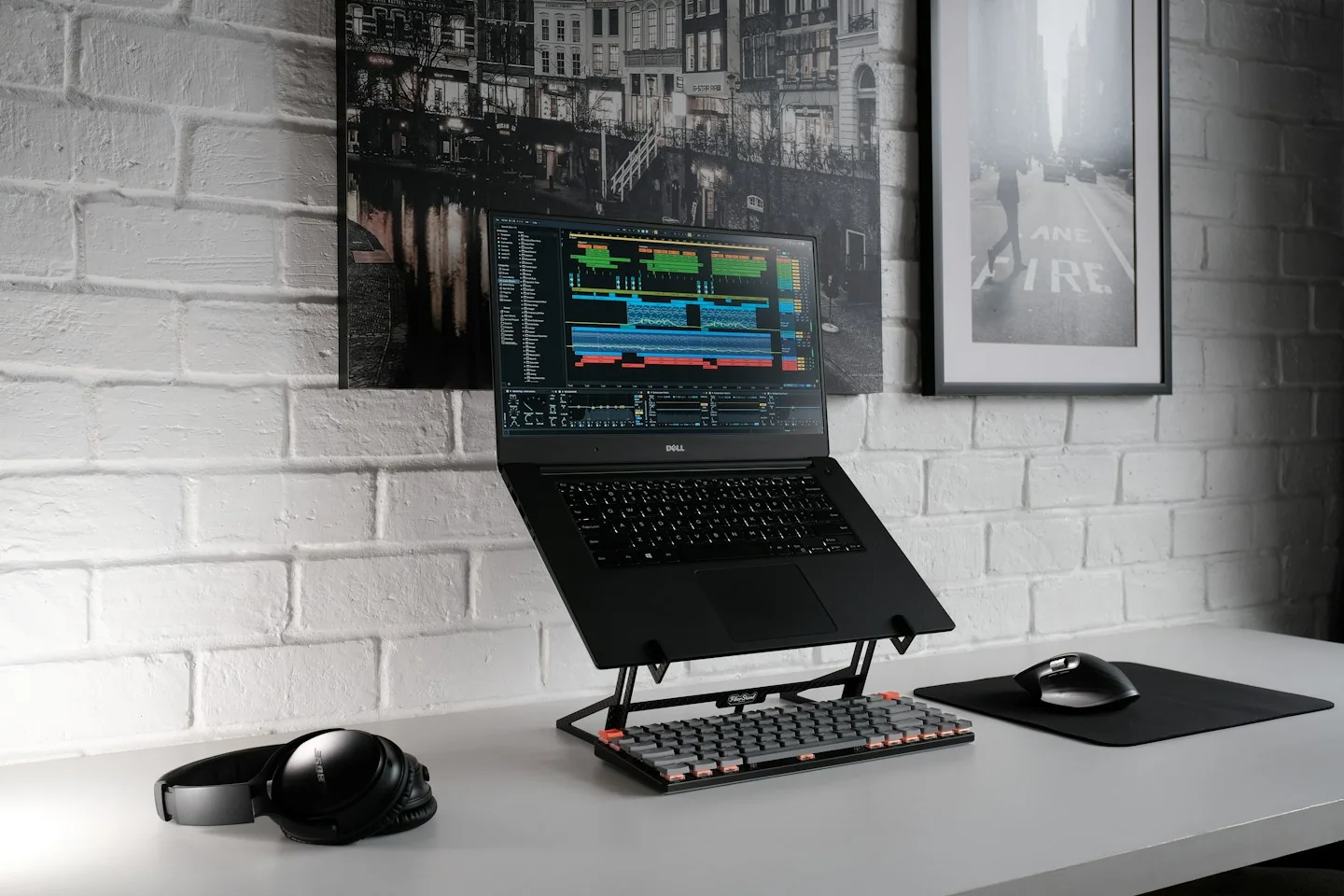
Making the choice
Choose based on the entire arrangement rather than stand height alone. For a shared workspace, decide how easily you can return the equipment to its usual position after each change.