Buying a Webcam for Home Calls
Choose around framing, mounting and the software you already use.
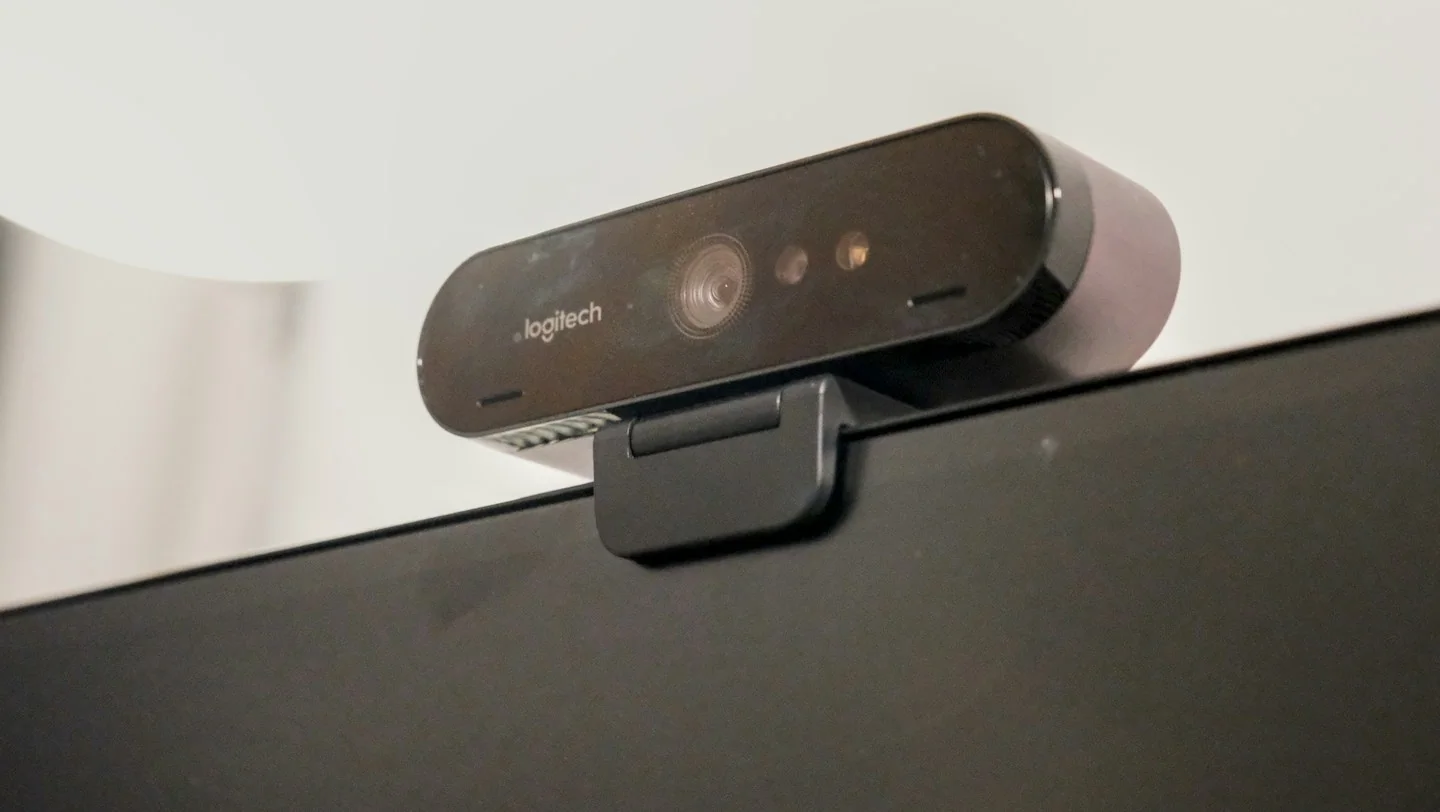
For ordinary calls, a webcam needs to work reliably with your computer and sit where the framing feels natural. Before comparing headline specifications, consider your room, screen position and the applications in which you will use it.
This guide focuses on selecting the right type and setup for your own routine. It is not a ranking of products or a claim that a particular brand has been tested.
Confirm the software requirements
Read operating-system and connection requirements for the exact camera. If a feature depends on additional software, check whether that software supports your system. Distinguish features available in your call application from those advertised for separate recording or camera-control tools.
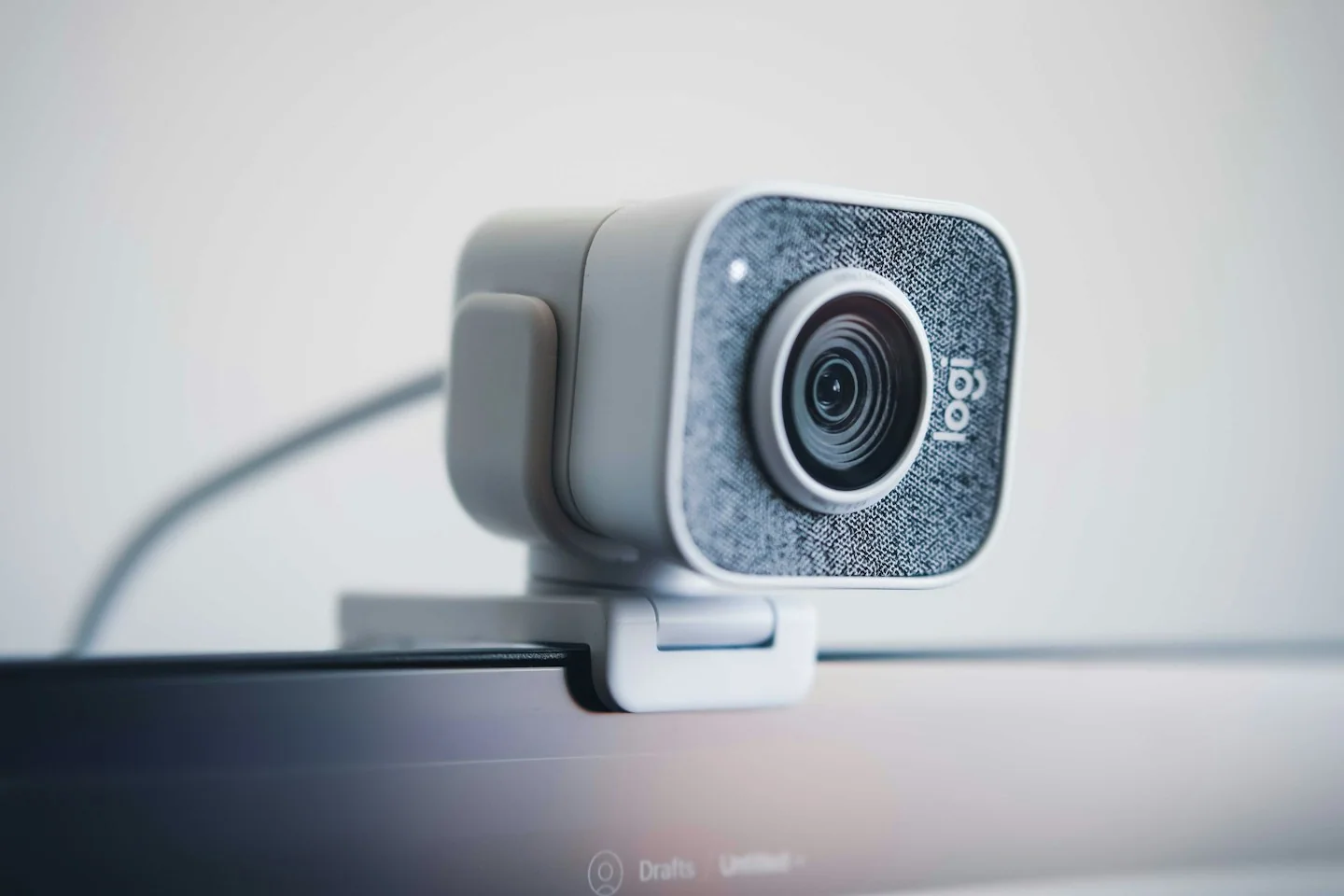
Look at mounting and cable reach
Measure the distance from the computer connection to the intended camera position. Check whether the supplied mount suits your monitor or whether a separate support is required. A cable that is technically long enough can still be awkward if it crosses the screen or blocks another port.
Think about what will be in frame
Consider whether you want a close view of one person or room for more than one participant. Read the maker’s framing and adjustment information. Your room’s lighting also matters; rearranging a lamp or avoiding a bright window behind you may be worth trying before replacing an existing camera.
Before you order
- Check your call application and system support.
- Measure cable reach and mounting space.
- Review the physical privacy options described.
Use the listing for the exact model, size or variant you intend to buy. If a necessary detail is missing, ask the retailer or manufacturer before paying. Check the final basket total and current delivery and return terms for that selection.

Making the choice
A well-positioned compatible camera can be a better purchase than a more elaborate model whose mount or software does not suit your desk. Verify the practical setup before choosing among optional features.