Choosing a Mouse for a Crowded Desk
Match the shape and controls to your work before paying for extra features.

A mouse can have many programmable controls and still feel inconvenient on your desk. Begin with the amount of usable movement space, the computer connection you need and the tasks you repeat most often.
This guide focuses on selecting the right type and setup for your own routine. It is not a ranking of products or a claim that a particular brand has been tested.
Compare size with a familiar device
Use the dimensions of a mouse you already know as a reference. Look at height and shape as well as length, and check whether the design is intended for your preferred hand. Photos can help explain button placement, but they do not establish how the device will feel in your own grip.
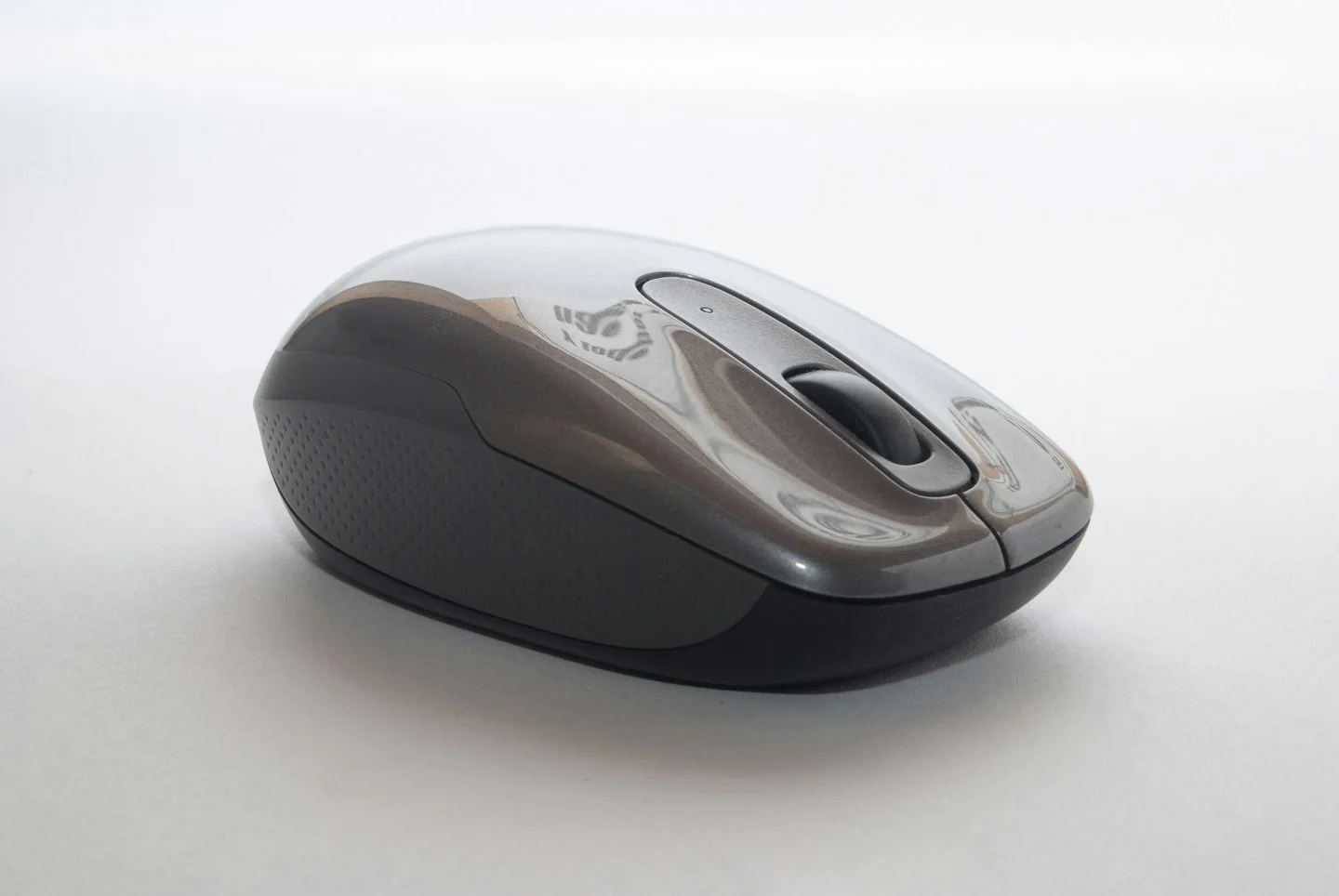
Choose controls with a clear purpose
Extra buttons are useful when you can name the actions they will perform. Check whether assigning them requires software and whether that software works with your system. If your work computer restricts installations, confirm what functions remain available without additional configuration.
Plan charging and travel
For a wireless mouse, compare the documented charging or battery arrangement with your routine. Check whether the receiver can be stored with the device if you travel. On a compact desk, think about the space for a charging lead and whether a cable would interfere with normal use.
Before you order
- Compare dimensions with your current mouse.
- Check software requirements for extra controls.
- Plan storage for any receiver or cable.
Use the listing for the exact model, size or variant you intend to buy. If a necessary detail is missing, ask the retailer or manufacturer before paying. Check the final basket total and current delivery and return terms for that selection.

Making the choice
Shortlist a comfortable-looking shape with the necessary compatibility before comparing optional controls. If a return is needed to assess personal fit, understand the seller’s conditions before ordering.