Choosing a Tablet Stand for Reading and Calls
Compare supported size, adjustment and the way you will touch the screen.
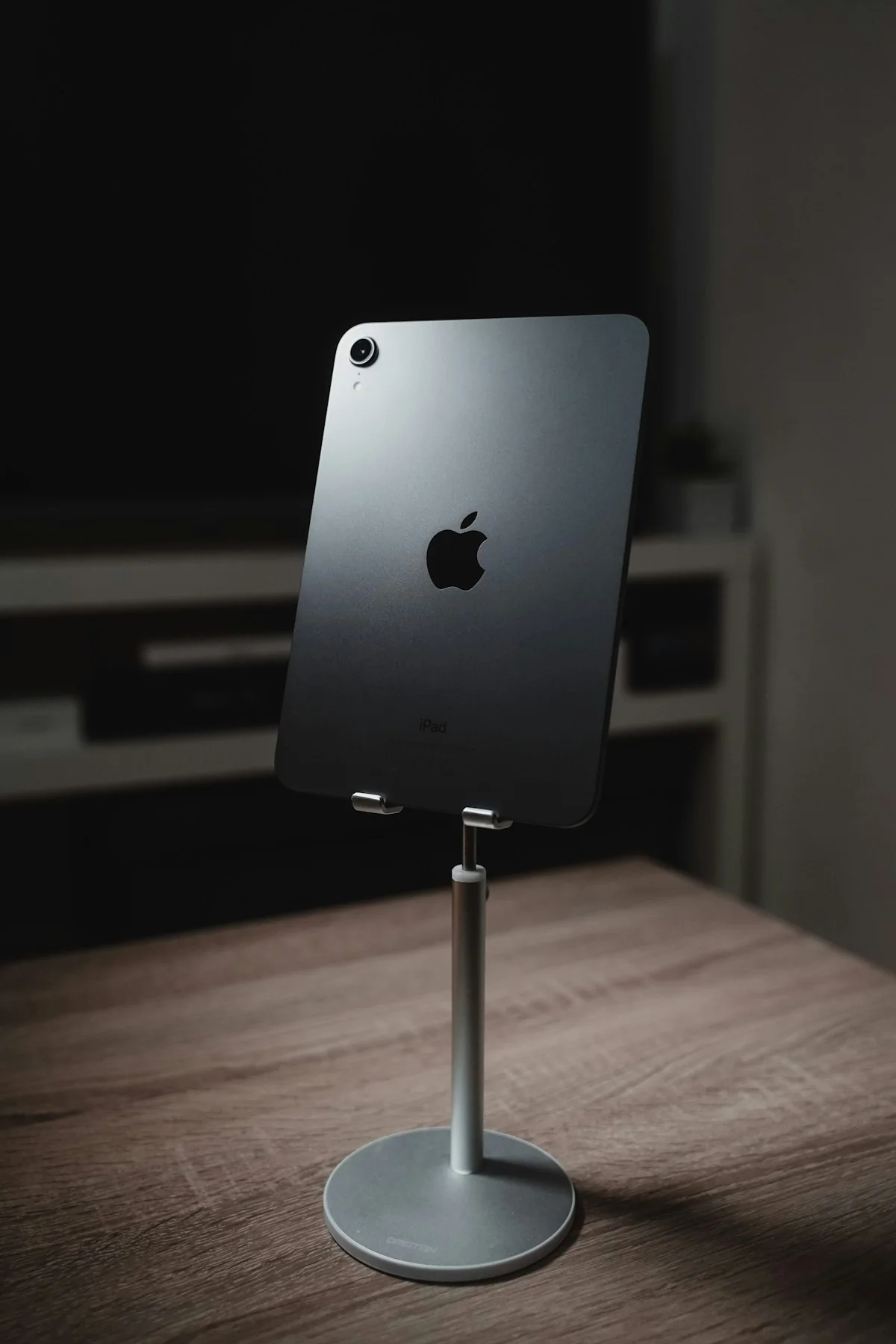
A tablet stand used for reading has a different job from one supporting repeated tapping or a video call. Decide where you will put it and how you plan to interact with the device before choosing an adjustable shape.
This guide focuses on selecting the right type and setup for your own routine. It is not a ranking of products or a claim that a particular brand has been tested.
Check support with the complete device
Compare the tablet’s dimensions and weight, including its normal case, with the stand maker’s limits. Look at contact points and the clearance around charging ports. If your case folds or includes a keyboard, check that the planned combination is actually supported.
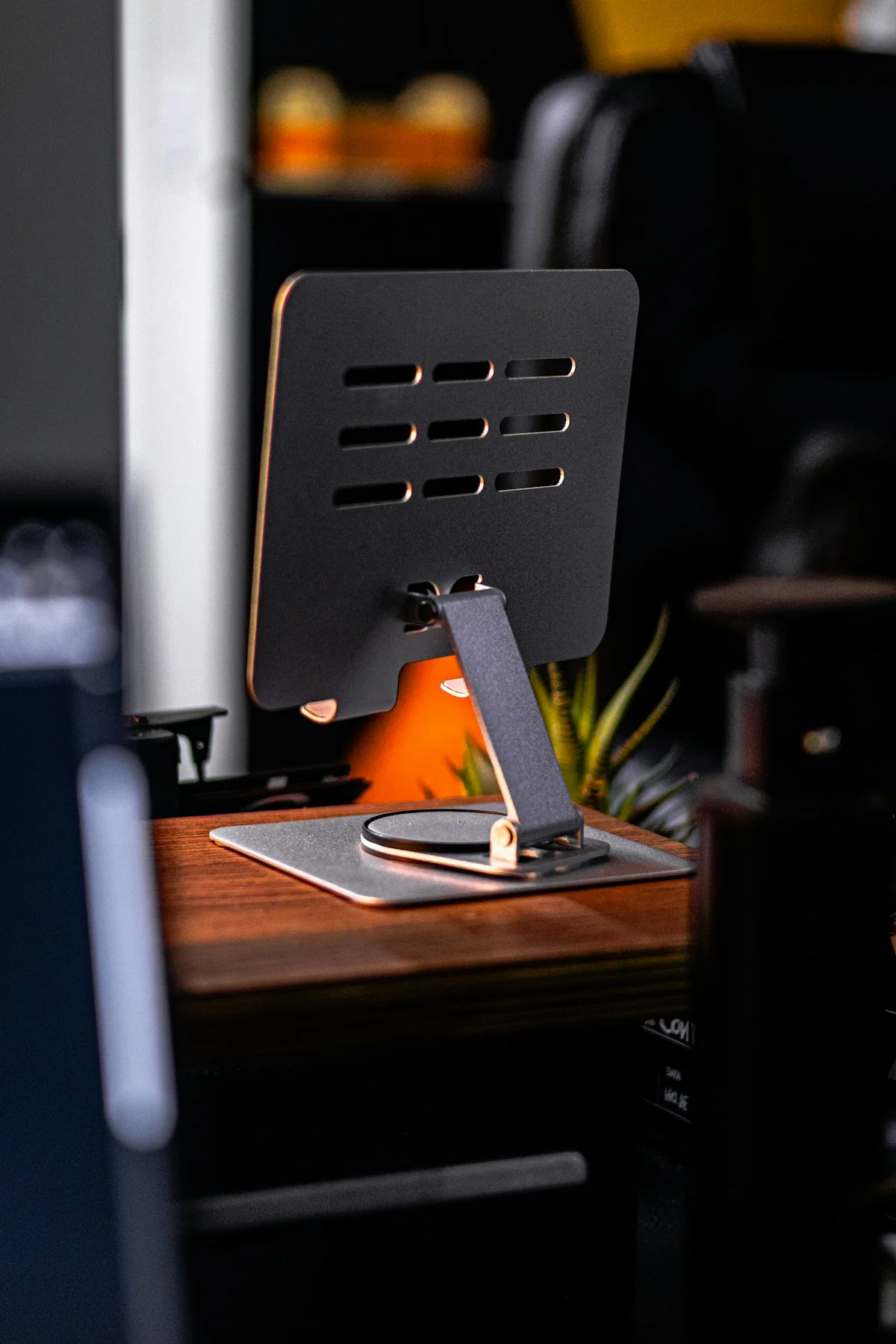
Think about touch and viewing separately
A comfortable viewing angle may not be the angle you want for repeated screen interaction. Read how the stand adjusts and how it should be positioned for stability. If you need to change between portrait and landscape, check the method rather than assuming the holder rotates.
Plan the surface around it
Measure the base and leave room for any charging lead, keyboard or notes. A large articulated design may reach farther but occupy space differently. Consider where it will be stored when not in use and whether the manufacturer describes it as suitable for your intended surface.
Before you order
- Include the case in size and weight.
- Check rotation and adjustment instructions.
- Measure room for cables and accessories.
Use the listing for the exact model, size or variant you intend to buy. If a necessary detail is missing, ask the retailer or manufacturer before paying. Check the final basket total and current delivery and return terms for that selection.

Making the choice
Choose a stand around a repeatable setup you can picture using. Extra positions are helpful only if they remain stable and convenient for the tablet and accessories you actually own.