Comparing Portable Storage for Everyday Files
Choose capacity, connections and a separate backup plan together.
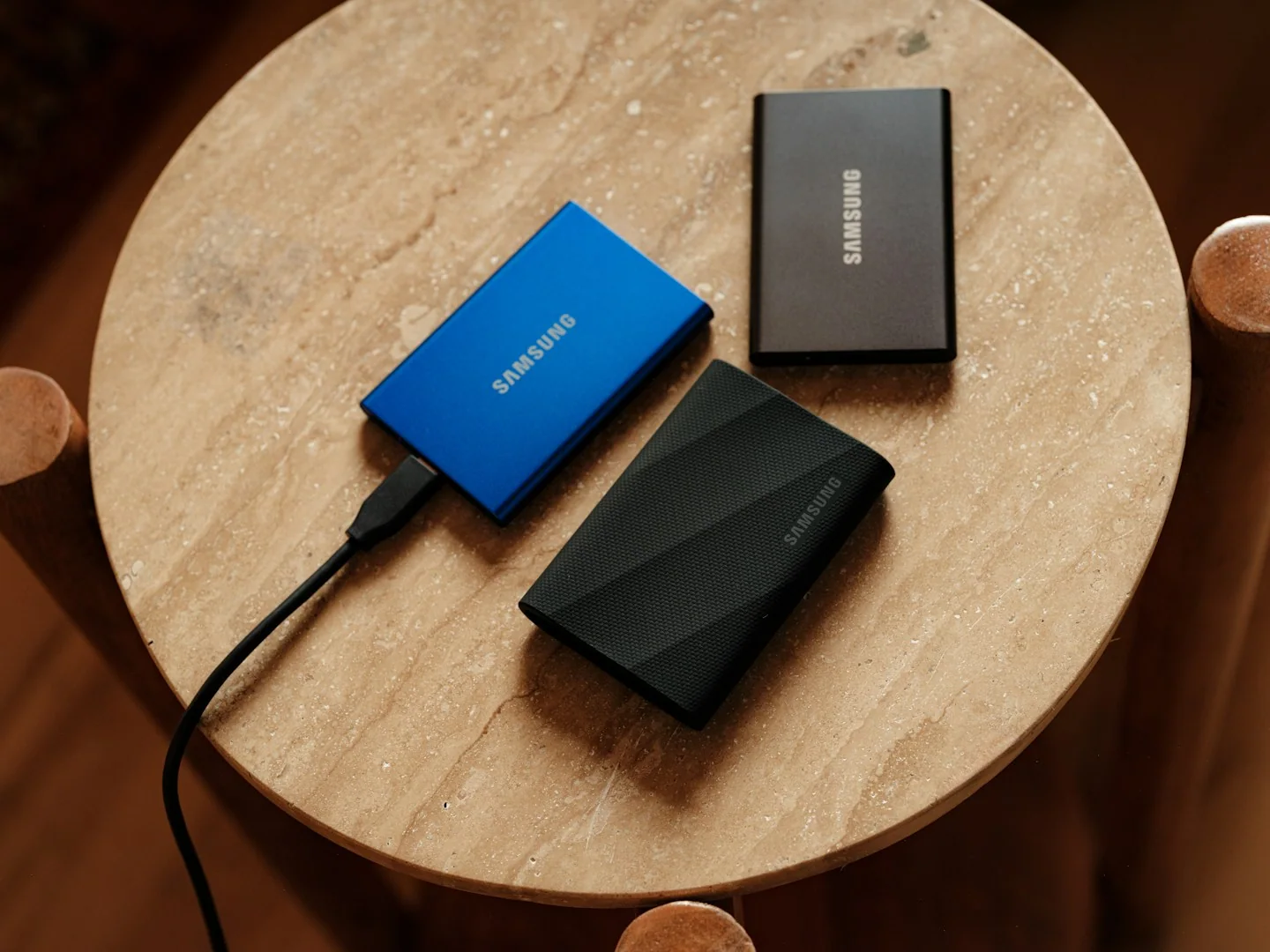
Portable storage is useful for moving files between places, but choosing a device and protecting those files are separate decisions. Start with what you will store, where you will connect it and whether another copy exists.
This guide focuses on selecting the right type and setup for your own routine. It is not a ranking of products or a claim that a particular brand has been tested.
Estimate the files you actually carry
Look at the size of the folders you expect to move and allow room for the work you are likely to add. Avoid comparing capacity labels without considering how you organize files. If a particular application needs a specific format or device behavior, check its documentation before buying.
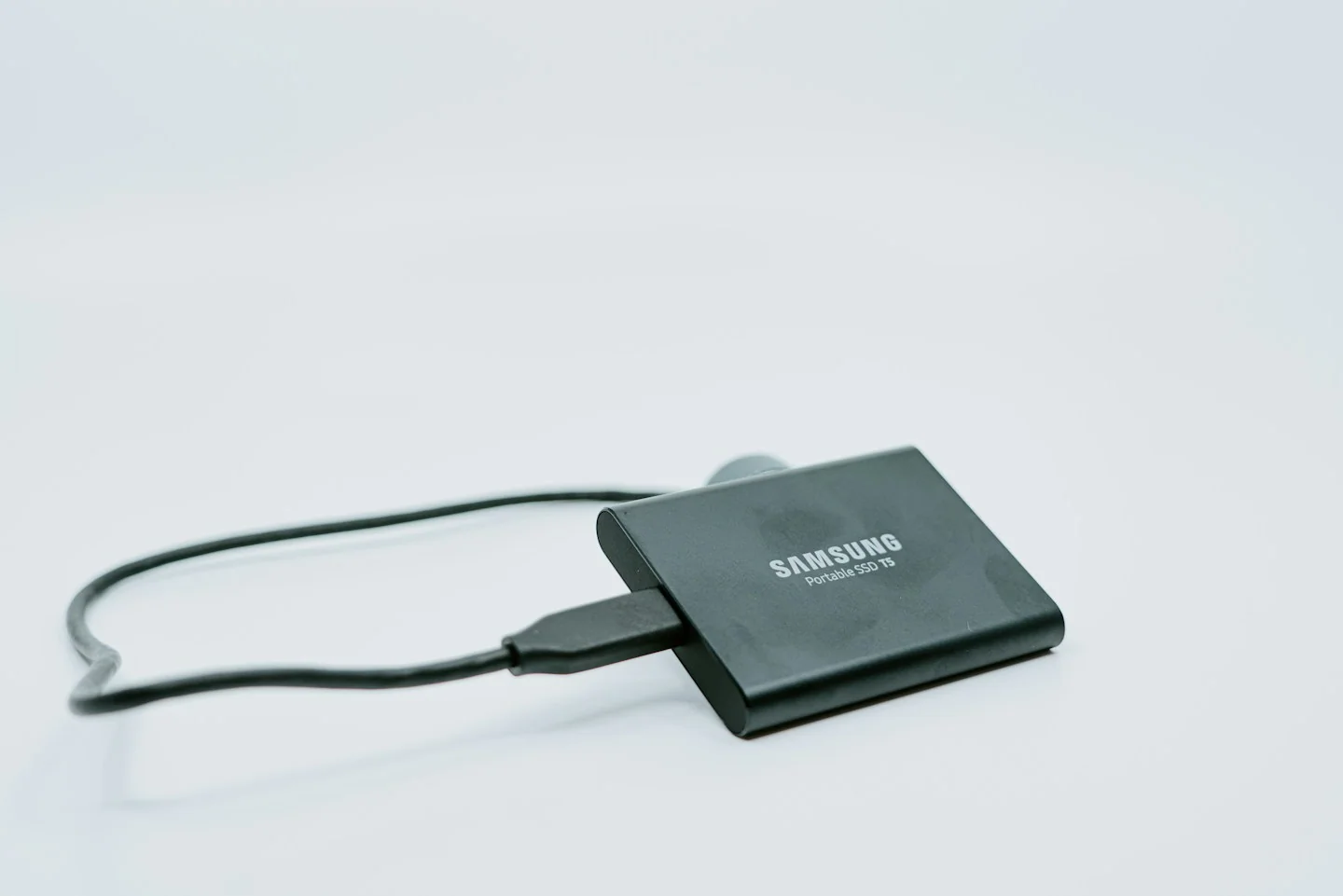
Confirm the complete connection
Compare the storage device’s supplied cable and requirements with each computer you will use. Read supported operating systems and any setup instructions. If an adapter is needed, check it as part of the chain instead of assuming the connector shape is the only compatibility issue.
Keep backup separate from portability
A device you carry can still be misplaced or damaged. Decide where another current copy of important files will live, and follow a backup method suitable for your needs. Do not erase the original merely because a transfer appears to have completed; check the copied files first.
Before you order
- Estimate the size of your real folders.
- Check every computer and required adapter.
- Keep an independent copy of important files.
Use the listing for the exact model, size or variant you intend to buy. If a necessary detail is missing, ask the retailer or manufacturer before paying. Check the final basket total and current delivery and return terms for that selection.
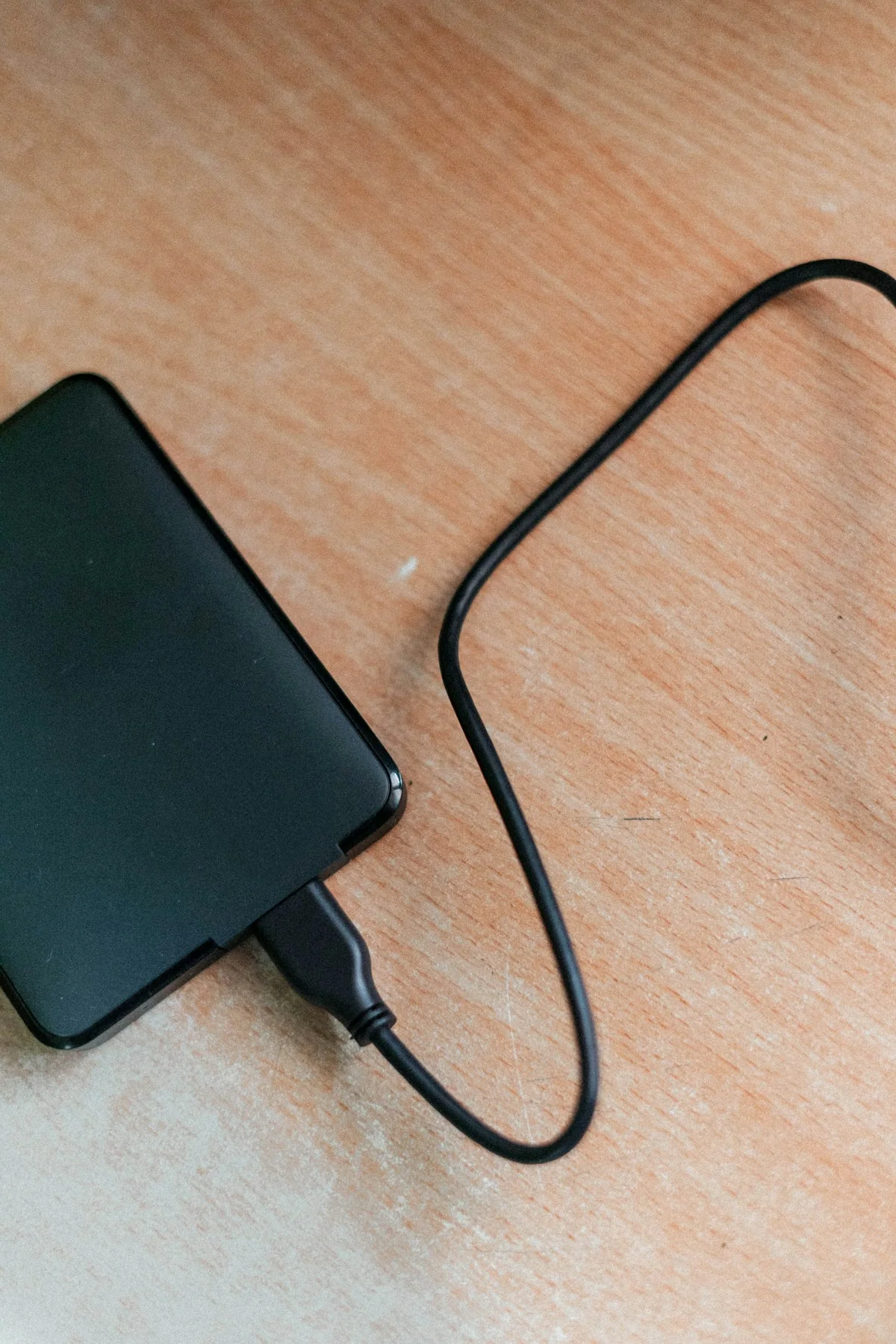
Making the choice
Choose portable storage as part of a file-handling routine. Capacity and portability are useful only when you can connect the device reliably and know which copy of a file you are working with.